Many people know about no-code website builders, but the real task is picking one that actually matches the way you want to build and run your site. The market is crowded, so it is easy to pick a tool that looks good on the surface but slows you down once you start working.
Some builders focus on visuals, some focus on control, and others try to balance both. If you are a founder, freelancer, or small team, the wrong choice can lead to extra work, slow edits, or limits you did not expect. A clear view of what each tool can do helps avoid that.
In this guide, we will look at the best no-code website builders for 2026 and share simple steps to pick the right one.
A no-code website builder is a tool that lets you create a site without writing scripts. Instead of working with HTML or CSS, you use a visual editor where each change is made by dragging, dropping, or adjusting settings. This approach makes site creation possible for people who want control but do not want to deal with technical setup.
These builders grew fast in recent years because more teams want to launch sites without hiring full teams. Furthermore, most no-code builders follow the same base idea, but each one comes with its own style, limits, and strengths. Knowing the core parts helps you understand how they fit together before you compare platforms.
Common features of any no-code website builder:
We reviewed each builder with one goal in mind: find tools that work well for real projects, not just look good in demos. To do that, we tested how fast a new user can set up a page, how simple it is to adjust layouts, and how the builder behaves once the site grows.
We also looked at how each platform handles day-to-day tasks like editing text, changing styles, adding forms, and managing basic SEO. Some tools feel smooth from the start, while others only shine once you learn their workflow. Both cases were noted so readers can match the tool to their skill level.
Key points we used during selection:
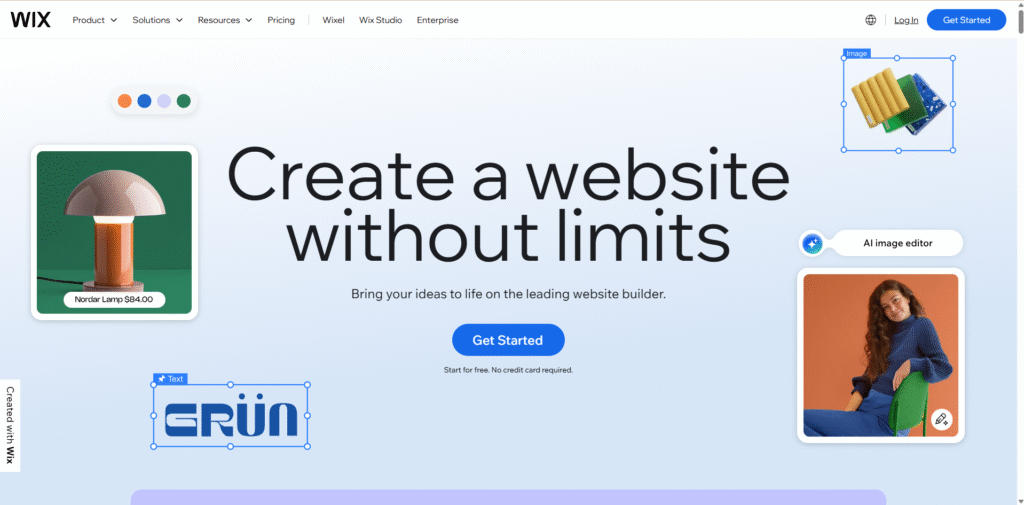
Wix is a flexible builder that helps you set up a site with very little learning time. The layout tools feel natural, so you can arrange sections without dealing with code or complex settings. It works well for small business sites, service pages, personal sites, and light online stores.
Key features
Best for
Users who want wide layout control and quick setup without dealing with code.
Pricing
A free tier is available. Paid plans start at $17/month. Higher plans add storage, analytics, and business functions.

Squarespace offers a polished, template-first site builder that bundles design, hosting, and editing tools in a unified platform. It works well for small businesses, portfolios, blogs, or light e-commerce. The build interface uses block/section-based editing, which keeps the layout clean and consistent even without coding skills.
Core Features
Best for
Users who want clean designs, steady layouts, and less time spent on fine-tuning.
Pricing
Squarespace — Plans start at about $16/month (if billed annually).

WordPress gives you more freedom than most builders because you can shape the site exactly the way you want. You can work with the built in Block Editor or use a visual plugin like Elementor to simplify layout work. It suits blogs, business sites, service pages, and basic stores when paired with the right plugins.
Key features
Best for
Users who want more freedom, plugin choices, and long-term flexibility as the site grows.
Pricing
The software is free. You pay for hosting, and optional premium themes or plugins.

Webflow lets you design and launch responsive sites through a browser-based visual editor. It combines the ease of drag-and-drop design with a built-in content management system (CMS) and hosting. Under the hood, it generates clean HTML, CSS, and JavaScript — giving designers and agencies more control than many simpler tools.
Key features
Best for
Designers, freelancers, or businesses needing a scalable, custom site with CMS or store features — when you want design flexibility and production-ready output without coding by hand.
Pricing
Free plan available; paid site plans start at around $14/month (billed annually).
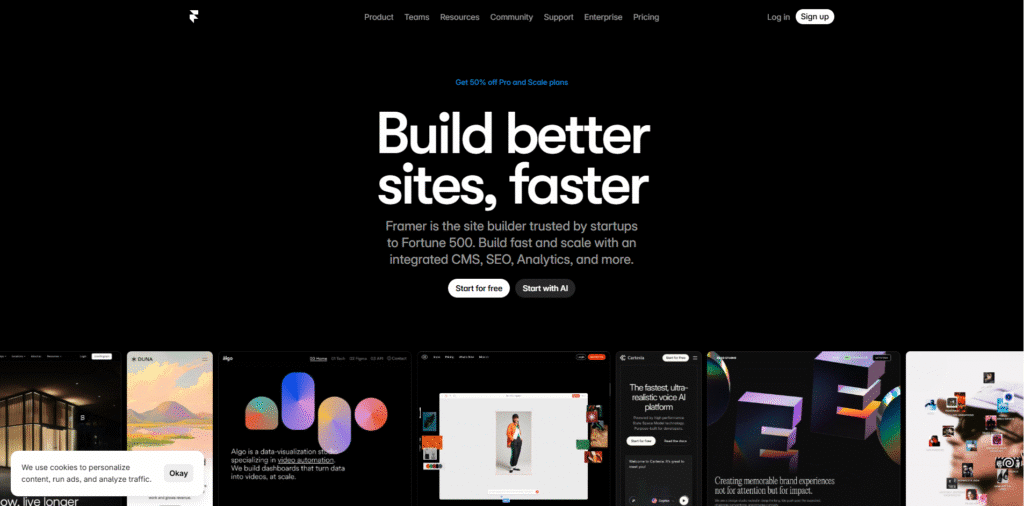
Framer is a no-code/low-code site builder aimed at designers, creatives, and small teams. It offers a visual design canvas plus CMS, hosting, and built-in collaboration tools so you can build marketing sites, portfolios, landing pages, or small business sites without writing code. Publishing is fast, and it supports responsive layouts and modern styling out of the box.
Key features
Best for
Freelancers, designers, or small teams who prefer visual design control and need a quick, polished website without writing code. Good for portfolios, start-up sites, landing pages or content-driven sites.
Pricing
Free tier available (with limits). Paid plans typically start at $15/month when billed annually.
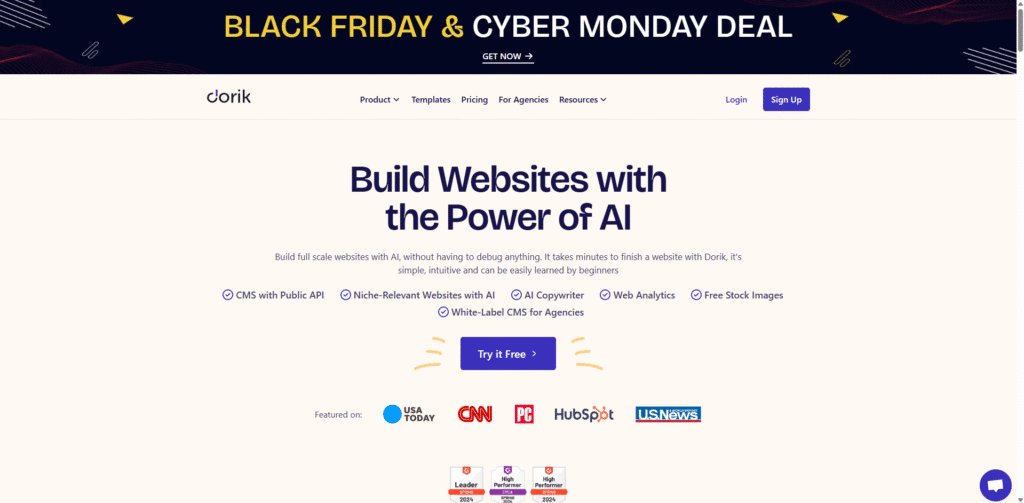
Dorik is a no-code website builder that gives you a clean, visual interface and many templates. With simple drag-and-drop controls, it helps you build responsive sites, blogs or business pages without writing code. You can also embed data from tools like Airtable to power dynamic pages.
Key features
Best for
Freelancers, small teams, or agencies that want a simple, affordable platform for business sites, portfolios, blogs, or light dynamic sites — with minimal setup and no code required.
Pricing
Free plan available. Paid plan starts at about $18/month (billed annually) for one site.

Weebly offers a straightforward drag-and-drop site builder that aims for simplicity and ease. It covers basic site needs: content pages, blogs, and simple stores. Because it’s now part of the Square product family, online stores and payment integration work smoothly.
Key features
Best for
Beginners, small businesses, or side-projects where ease, speed, and minimal setup matter more than deep customization. Good for simple blogs, portfolios, or small online stores.
Pricing
Free plan available. Paid plans start from around $10/month (billed annually) for the CUA stom domain and basic features.

Carrd is a simple and lightweight builder for creating one-page sites or landing pages quickly. It works well when you need a clean, minimal site or a quick online presence — ideal for portfolios, single-product promos, or simple info pages.
Key features
Best for
Individuals, freelancers, or small teams need a quick one-page site or landing page. Good for portfolios, event promos, personal pages, or simple product introduction pages.
Pricing
Free plan exists (with limits). Paid plans start from $9 per year.

Shopify is a full-featured e-commerce platform designed to let you build and run an online store without coding. It gives end-to-end support: product listing, payment, order management, hosting, and more — suitable when you want more than a simple site.
Key features
Best for
Small to large businesses that want a complete online store solution. Works well for product sellers, e-commerce shops, dropshipping, or businesses planning to scale over time.
Pricing
Plans start around $29–39 per month (depending on billing and plan) for a basic store setup.

Bubble is a no-code platform that lets you build fully functional web apps, not just basic websites. It combines design tools, database handling, workflow logic, and hosting — all in one place. You can build anything from a SaaS product to a membership site or an internal tool without touching code.
Key features
Best for
Startups, solo builders, or small teams who want to build custom web apps, MVPs, SaaS tools, or dynamic sites without hiring developers. Also useful when you want full control over data and workflows while avoiding code.
Pricing
A free plan exists (for learning and prototyping). Paid plans start at ~ $32/month, scaling up based on workload needs.
Many people get stuck not because there are fewer choices, but because there are too many. Every builder claims to be simple, fast, or flexible, and this makes the selection confusing. If you choose the wrong one, you end up redoing layouts, switching plans, or rebuilding the site on another tool.
A better way is to start with the problem you want to solve. If you only need a basic site or a clean single page, tools like Carrd, Weebly, or Dorik keep things light. If you need strong visual control, Wix, Webflow, or Framer give you more room to shape the layout. For full stores, Shopify makes the process steady, and for custom apps or workflows, Bubble is the right pick.
Next, check how comfortable you feel with each editor. Some tools are simple from the first click. Others need a short learning period, but give you more control later.
Then look at the budget and long-term needs. Review plan limits, hosting, storage, and extra tools you might need as the site grows.
To close the loop, test two or three builders using their free plans. Build a small sample page and try a few edits. The tool that feels calm and steady during this test is usually the best fit.
1. Do I need coding skills to use a no-code website builder?
No. One main advantage of no-code tools is that they let non-developers build sites via visual editors.
2. Will a no-code builder work for a store or e-commerce site?
Yes. Many builders support product pages, payments, orders, and store features — though for large or complex stores, you might face some limitations.
3. Can I use a no-code builder for a blog, portfolio, or simple business site?
Absolutely. These platforms are ideal for blogs, landing pages, portfolios, small business pages, and minimal stores — sites where speed and ease matter.
4. Are there downsides to using a no-code website builder?
Yes. Common limitations include less flexibility compared to custom development, possible constraints on scalability or uniqueness, and vendor lock-in if you outgrow the tool.
5. What kind of control do I have over SEO and site performance?
Most builders offer basic SEO tools (meta tags, URLs, sitemaps) and responsive design. However, deep technical SEO or custom performance tuning may be harder compared to custom-coded sites.
6. Can I switch my site later if I outgrow the no-code platform?
That can be difficult. Many no-code platforms use proprietary structures, so migrating to another builder or to a custom build often involves redoing the layout and content manually.
7. How do I choose the best builder for my needs?
Start by listing your needs: site type, layout flexibility, budget, growth plans, and technical comfort. Then test 2–3 builders on free plans with a small sample site. The one that feels most intuitive and stable is usually the right pick.