
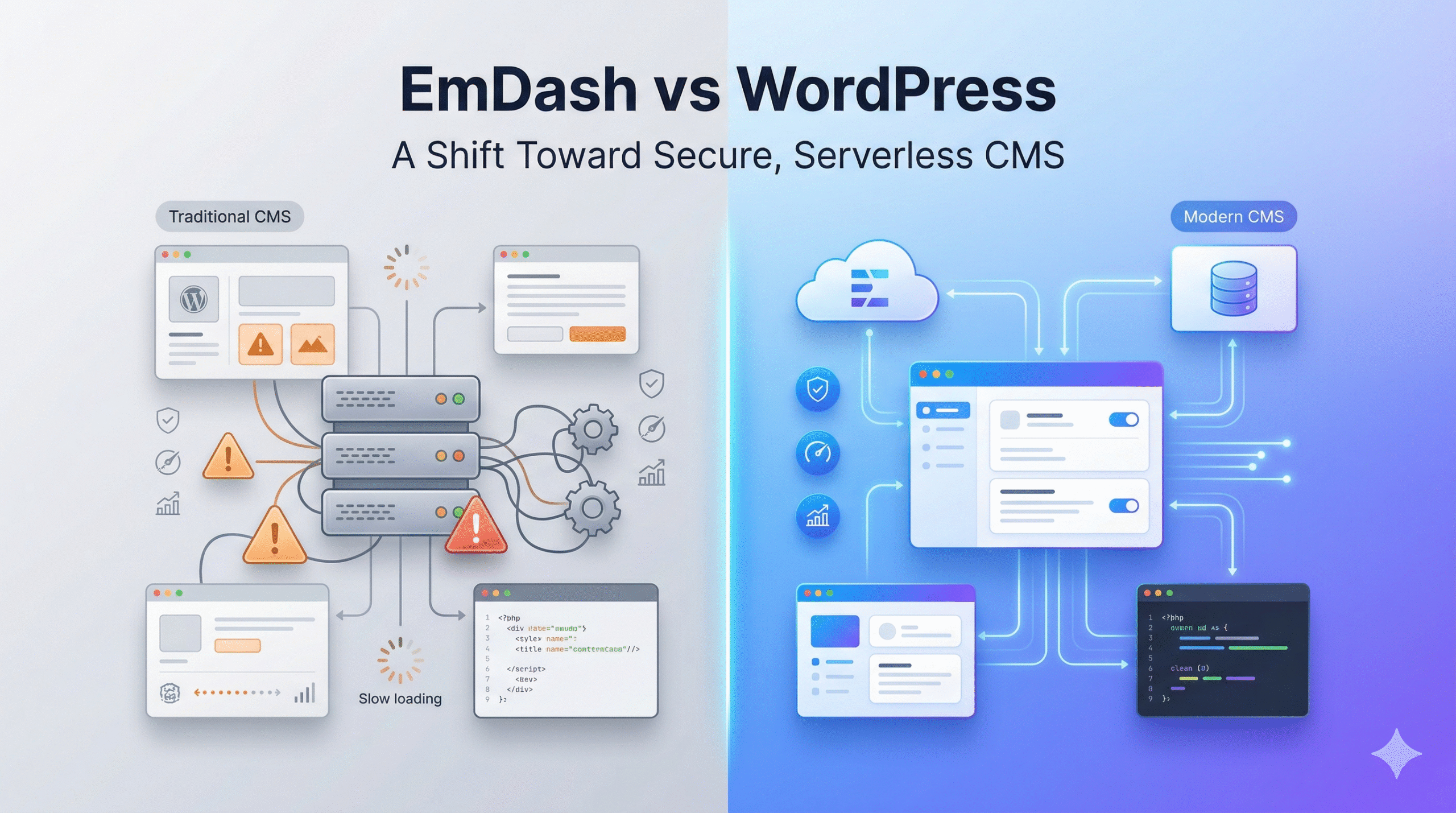
WordPress powers a huge part of the web, but it also comes with growing concerns around security and maintenance. According to W3Techs, WordPress is used by over 43% of all websites.
At the same time, plugin-related issues remain a major risk. A report by Patchstack found that around 96% of WordPress vulnerabilities come from plugins.
This is where Cloudflare steps in with EmDash, a new CMS built to fix these gaps using a different approach. It focuses on security, performance, and a more controlled plugin system.
In this blog, you will learn what EmDash is, why teams are preferring it over WordPress, and how to get started with EmDash.
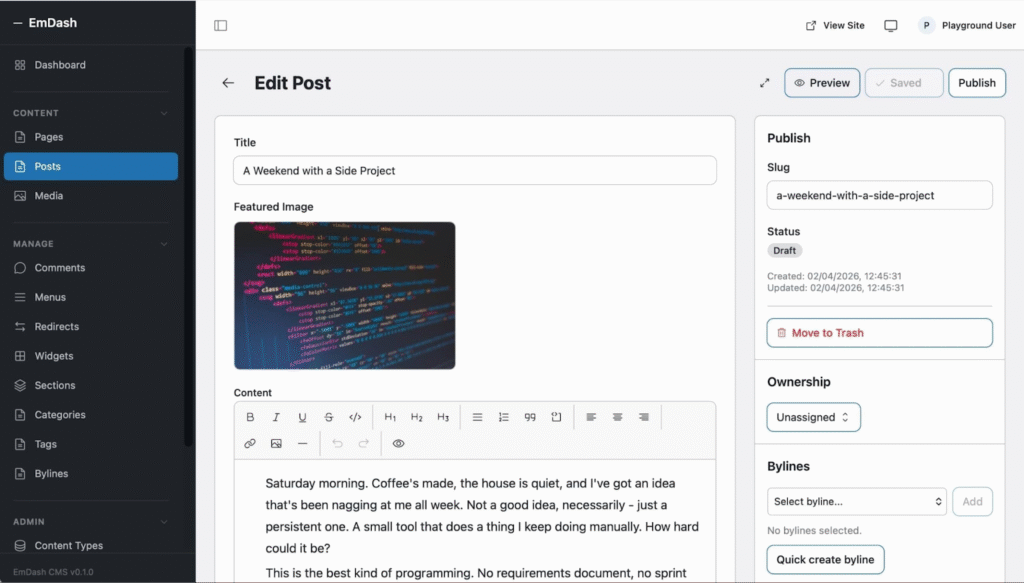
EmDash is an open-source CMS built by Cloudflare. It is designed as a modern alternative to traditional systems like WordPress.
At a basic level, EmDash helps you create and manage websites, just like WordPress. The difference is in how it works behind the scenes.
It uses a serverless model, which means your site runs only when needed. You do not have to manage servers or worry about traffic spikes. The system scales automatically based on demand.
EmDash is also built using modern tools and frameworks. This makes it more suitable for current web development practices, especially for teams working with JavaScript and TypeScript.
Another key focus is security. Plugins run in controlled environments with limited access, which reduces common risks seen in older CMS platforms.
Overall, EmDash aims to offer a faster, more secure, and scalable way to build websites without the usual overhead.
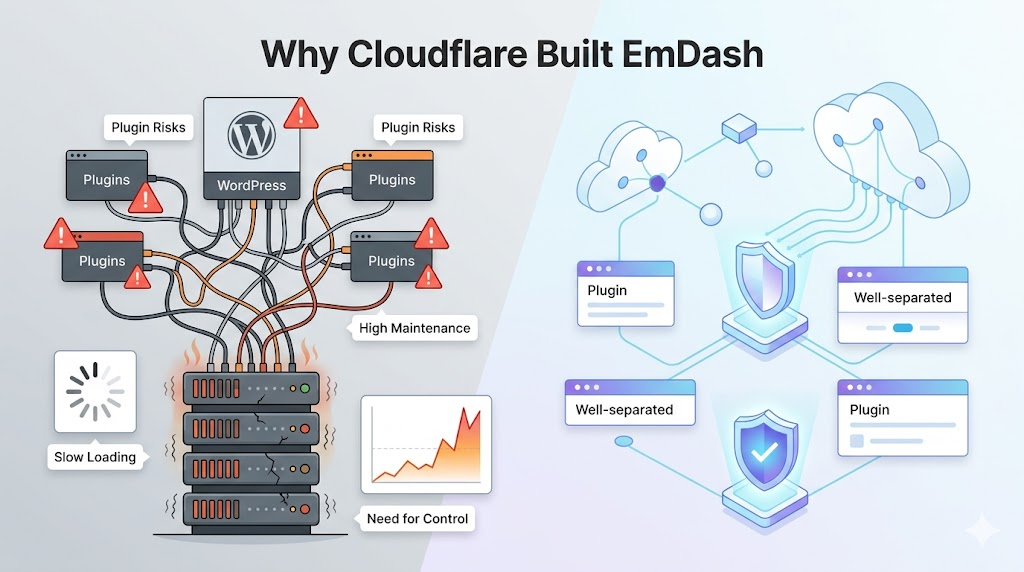
Cloudflare did not build EmDash just to create another CMS. It comes from years of observing how sites break, slow down, or get exposed when running on WordPress. The goal is simple: reduce risk, cut overhead, and give developers more control without adding complexity.
EmDash is not just a redesign of a CMS. It changes how websites are built and run at a system level. The architecture focuses on control, efficiency, and safer execution.
Serverless Model
Instead of running on fixed servers, EmDash works on a serverless setup powered by Cloudflare. Your site runs only when a request comes in.
There is no need to manage uptime, patches, or server scaling. This removes a lot of operational work that usually comes with traditional CMS platforms.
Cost also changes here. You pay based on usage, not for idle infrastructure sitting in the background.
Plugins in EmDash do not get full system access. Each plugin runs in a controlled environment with clear boundaries.
This means a plugin cannot freely access your database or other parts of the system unless explicitly allowed. It limits the blast radius if something goes wrong.
Compared to WordPress, this is a big shift in how extensions are handled.
EmDash is built using tools that many developers already use today. The backend uses TypeScript, while the frontend is powered by Astro.
It runs on Cloudflare Workers, which allows fast response times across global locations.
This setup makes development more structured and easier to maintain over time.
EmDash is designed with AI use cases in mind. It is not something added later, but part of the system from the start.
It supports automation, content generation, and agent-based workflows. This opens up use cases beyond simple content publishing.
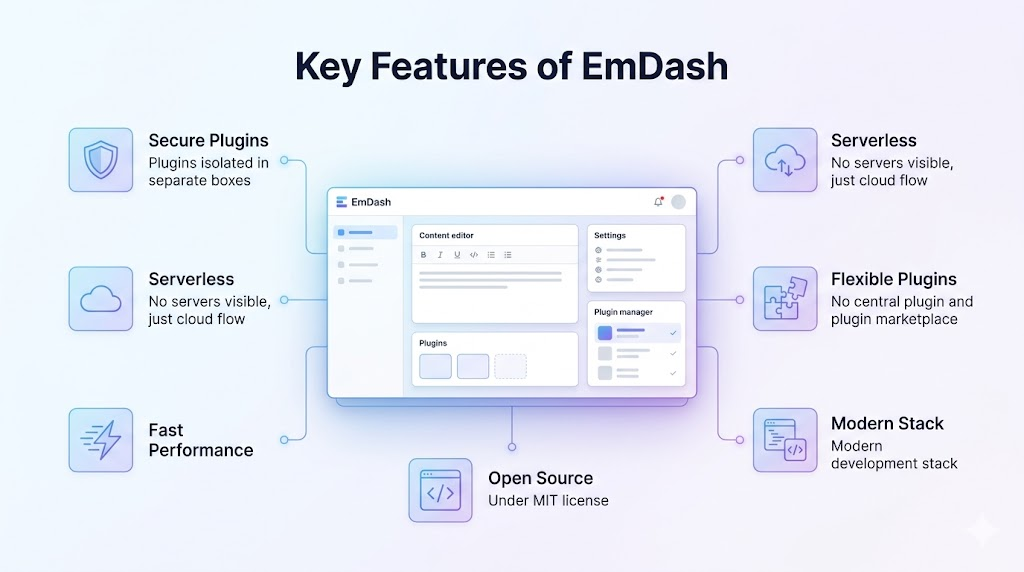
EmDash focuses on fixing common pain points seen in traditional systems like WordPress. Here are the key features that define how it works:
| Aspect | EmDash | WordPress |
| Hosting model | Serverless, runs on demand | Requires always-on hosting |
| Setup effort | Minimal infra setup | Needs server, database, configs |
| Plugin system | Sandbox with limited access | Full system access |
| Security approach | Permission-based execution | Depends on plugins and updates |
| Scaling | Auto scaling built-in | Manual or hosting dependent |
| Performance | Edge-based, low latency | Depends on hosting and caching |
| Cost model | Pay for usage | Fixed hosting cost |
| Tech stack | TypeScript, modern frameworks | PHP-based |
| Ease of use | More developer-focused | Beginner-friendly |
| Ecosystem | Very limited (early stage) | Large plugin and theme ecosystem |
| AI readiness | Built with AI workflows in mind | Limited native support |
Getting started with EmDash is different from using WordPress. It follows a more developer-first setup. Here is a clear step-by-step flow.
First, make sure your system is ready.
You will need:
Then install the CLI tool provided by Cloudflare. This tool helps you create and manage your project from the terminal.
Once the CLI is ready, create a new project.
This sets up your project structure, including folders for pages, components, and configuration files.
Next, link your project to Cloudflare.
This step allows your project to run on Cloudflare’s infrastructure.
EmDash uses Astro for frontend development.
Start by creating:
You write clean, structured code instead of editing directly in a UI.
Content in EmDash is structured.
This makes it easier to reuse content across pages.
Plugins work differently here.
This keeps your system stable even when using third-party code.
Before going live, test everything.
This step helps avoid errors after deployment.
When ready, deploy using Cloudflare.
There is no manual scaling or server setup required.
After deployment, keep things updated.
Since the system is serverless, most infrastructure concerns are already handled.
Shifting from WordPress to EmDash is not a one-click process. The structure, plugin system, and setup are different, so migration needs a bit of planning.
Start by exporting your existing content from WordPress. This usually includes posts, pages, media, and basic metadata. You can use standard export tools to generate a file that holds your content.
Next, import this data into EmDash. Since EmDash follows a structured content model, you may need to map your WordPress content into defined types such as posts or pages. This step may require small adjustments.
Themes do not carry over. You will need to rebuild your frontend using modern tools like Astro. This gives more control, but it also takes effort.
Plugins also need attention. WordPress plugins cannot be reused directly. You either replace them with EmDash-compatible options or build custom logic based on your needs.
Keep these points in mind:
For smaller sites, this process is manageable. For larger sites, it is better to move step by step instead of shifting everything at once.
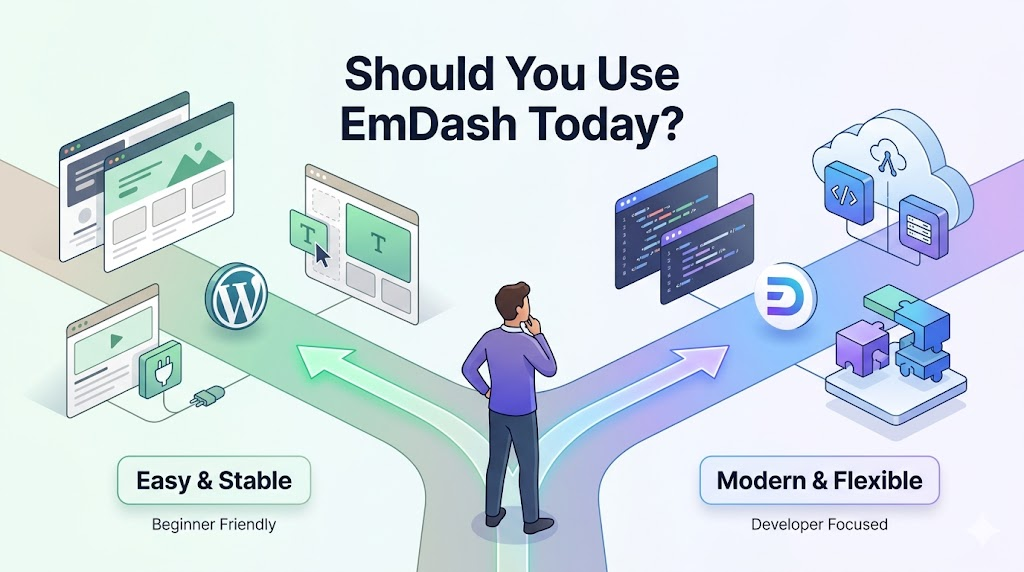
Choosing EmDash depends on what you need right now. It brings a fresh approach, but it is still evolving. For many users, WordPress remains the safer and more practical choice today.
EmDash is still early, but the direction is clear. Instead of following the path of WordPress, it focuses on fixing core issues like security, scaling, and system control.
For long-term growth, the ecosystem will matter most. WordPress grew because of its large plugin and theme network. EmDash needs similar support to attract wider adoption.
Ease of use is another key area. Right now, it suits developers more than general users. If Cloudflare improves onboarding, it can reach a broader audience.
The shift toward serverless and edge-based systems also works in its favor. If it builds strong tools, better usability, and a reliable plugin ecosystem, EmDash can become a serious option in the CMS space.