If you run a digital marketing agency, your biggest problem is not lack of ideas. It is the amount of manual work hiding inside everyday delivery. Reports need updates. Content needs edits. Designs need small changes. Every client adds more steps.
I have seen agencies where teams stay busy all day but still fall behind. Account managers chase files. Marketers copy data between tools. Designers redo the same changes again and again. None of this work moves the needle, yet it eats up the most time.
Most agencies do this because it feels safer to keep things manual. Automation sounds complex, and AI sounds risky. But the real risk is letting simple tasks control your team’s schedule.
This post breaks down five AI tools agencies already use to remove manual work and make delivery smoother across clients
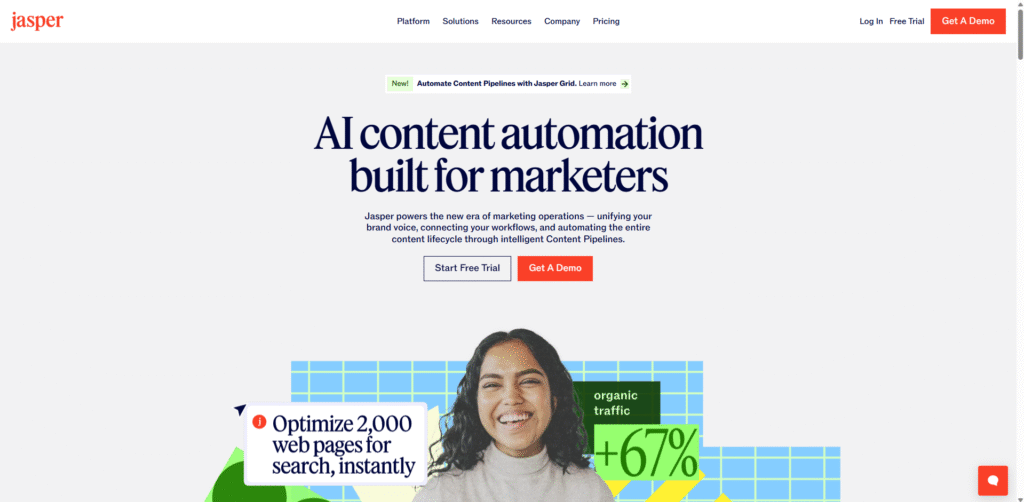
Jasper AI is a writing tool that digital marketing agencies use to reduce time spent on content creation. It supports long-form and short-form content and works well when teams handle multiple clients at the same time.
Agencies write content every day. Blogs, landing pages, ads, emails, and case studies all need fresh copy. Most teams start from a blank document, review multiple drafts, and repeat the same steps for every client. This slows delivery and increases review cycles.
Jasper gives teams a strong first version in minutes. Writers no longer start from zero. Account managers get faster drafts to review. Editors focus on clarity and client tone instead of basic structure. This removes repeated writing work across projects.
Many agencies use Jasper at the start of the content process. A strategist defines the topic and goal. Jasper creates the base draft. The team then edits, adds data, and aligns it with the client brief. This shortens turnaround time without losing control.
Content agencies, SEO agencies, and full service agencies managing high content volume across clients.
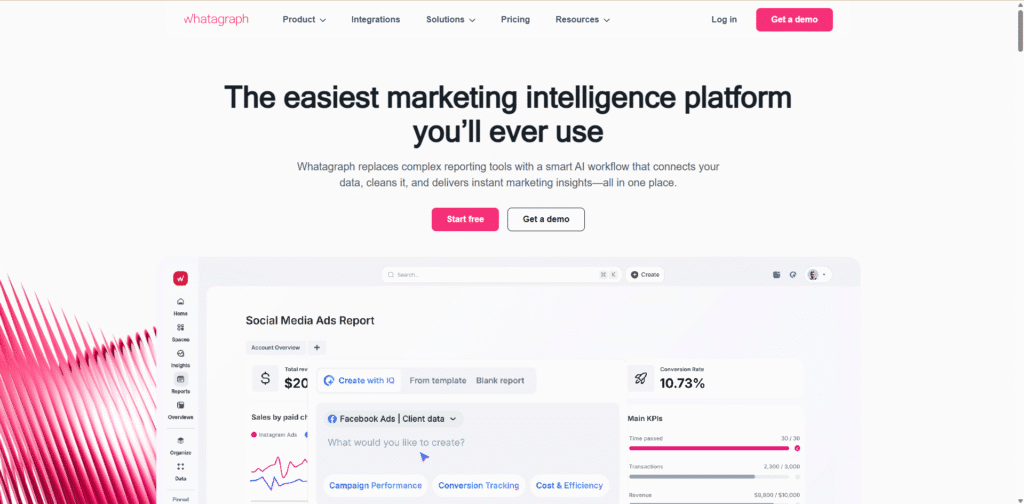
Whatagraph is a reporting and analytics platform used by digital marketing agencies to manage client reporting at scale. It pulls data from ad platforms, analytics tools, and social channels into one place.
Reporting is one of the most time-consuming agency tasks. Teams export data from different tools, paste numbers into slides, fix formatting, and rewrite the same explanations every month. When you manage many clients, this work grows fast and adds zero strategic value.
Whatagraph removes the need to build reports from scratch. Data updates automatically. Dashboards stay consistent across clients. Teams stop copying numbers and start reviewing performance instead.
Most agencies set up templates once. From that point, reports refresh on their own. Account managers review insights, add short notes, and send reports without chasing data.
Performance marketing agencies, paid media teams, and agencies handling recurring client reports.
Surfer SEO is an on-page SEO tool used by agencies to plan, write, and improve content based on search intent and ranking data.
SEO teams often rely on manual checks. They compare competitor pages, guess content length, and adjust headings through trial and error. This leads to revisions, delays, and unclear feedback between SEO teams and writers.
Surfer gives clear content guidelines before writing starts. Writers know what to include. SEO teams stop reviewing the same issues again and again. This reduces back and forth and speeds up publishing.
SEO teams create a brief in Surfer and share it with writers. Writers follow the structure from day one. Editors review once instead of multiple rounds.
SEO agencies and content teams managing blogs at scale.
Zapier AI helps digital marketing agencies connect tools and remove manual handoffs between them. It automates routine actions that usually require someone to copy, paste, notify, or update another system.
Agencies use many tools at once. Leads come from forms, ads, and emails. Tasks get updated in project tools. Messages need to go to Slack or email. Without automation, teams move data by hand and miss steps when work gets busy.
Zapier AI builds and suggests workflows using plain instructions. Teams no longer need to map every step manually. Common actions happen on their own, without waiting for someone to remember them.
Many agencies start with one process, like lead routing. Over time, they add more automations. This reduces daily admin work and keeps delivery consistent across clients.
Agencies with complex tool stacks and repeat processes.
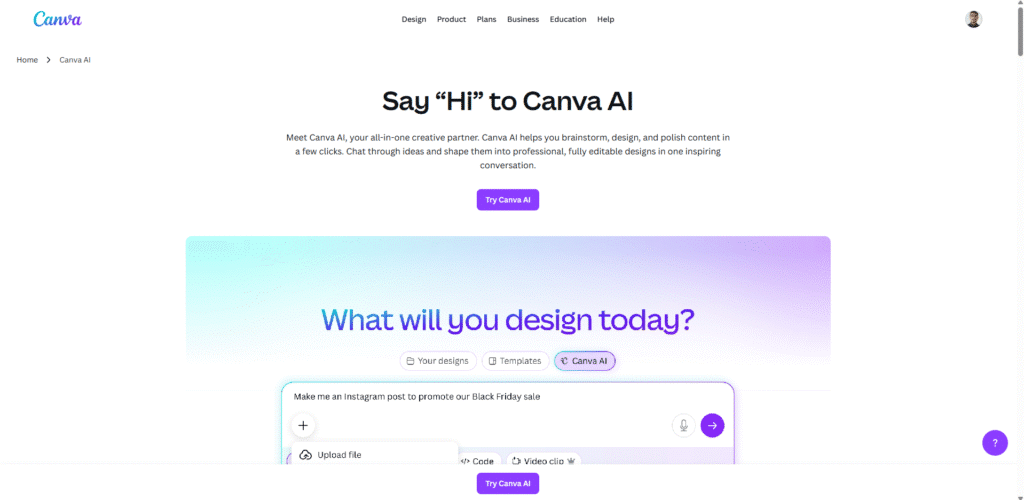
Canva AI helps agencies create and edit visual content faster. It is often used by teams that need quick designs without waiting on a full design cycle.
Small design requests slow teams down. Social posts, banners, thumbnails, and revisions pile up. Designers spend time on changes that do not need deep creative work.
Canva AI generates layouts, text, and visuals quickly. Teams start with ready designs and adjust them instead of designing from scratch. This shortens turnaround time for client requests.
Agencies create brand templates once. Account teams then reuse them with small edits. Designers focus on larger creative work instead of routine tasks.
Social media agencies, creative teams, and full service agencies managing high design volume.
Below is one real delivery workflow used by digital marketing agencies for a typical monthly client campaign. This is not theory. This is how teams reduce manual work across content, design, execution, and reporting.
The strategist defines the campaign goal and main topic.
Jasper AI is used to create the first draft for the blog, landing page copy, and ad text.
Writers edit the draft to match client tone instead of writing from scratch.
The edited content is checked in Surfer SEO.
Headings, page structure, and missing sections are adjusted before publishing.
This avoids late SEO fixes and repeat revisions.
Once content is final, Canva AI is used to create social posts, ad visuals, and banners.
The team uses saved brand templates, so no redesign work is needed.
When the campaign goes live, Zapier AI sends new leads from forms into the CRM.
It also creates tasks for the account team so no lead is missed.
All channel data flows into Whatagraph.
Account managers review results, add short context, and share the report without manual data work.
This single workflow removes repeated writing, design delays, handoffs, and reporting effort across every client.
AI tools do not fix broken agency workflows on their own. They work only when placed in the right steps. The real win comes from removing repeat work, not from adding another tool to the stack.
Agencies that use Jasper, Surfer, Canva, Zapier, and Whatagraph with the intent move faster with fewer people. Teams spend less time drafting, fixing, passing files, and building reports. That time goes back into thinking, planning, and client conversations.
The goal is simple. Do less manual work and deliver the same quality every time. Start with one workflow, clean it up, then expand. Agencies that do this early stay calm, consistent, and ready to scale.
1. Which AI tools are most useful for digital marketing agencies?
Jasper AI, Whatagraph, Surfer SEO, Zapier AI, and Canva AI are widely used by agencies to reduce manual work across content, reporting, automation, and design.
2. How do AI tools reduce manual work inside agencies?
They remove repeat tasks like writing first drafts, copying data, creating reports, moving leads, and making basic design edits.
3. Can small digital marketing agencies use these AI tools?
Yes. These tools are often more helpful for small teams because they reduce workload without adding new hires.
4. Do AI tools replace agency team members?
No. Agencies use AI to speed up early steps. People still review, refine, and deliver the final work.
5. How should agencies start using AI tools?
Start with one workflow such as content creation or reporting. Fix that process first before adding more tools.
6. Are AI tools safe to use for client work?
Yes, when teams review outputs and follow client brand rules. AI should support work, not publish on its own.
7. What mistakes should agencies avoid with AI tools?
Using too many tools at once, skipping review, and keeping old manual steps alongside AI.
8. How do agencies measure success after using AI tools?
By tracking time saved, faster delivery, fewer revisions, and smoother client communication.